안녕하세요!!
How to Type in Korean on Windows 8
You can enlarge the images by clicking on them
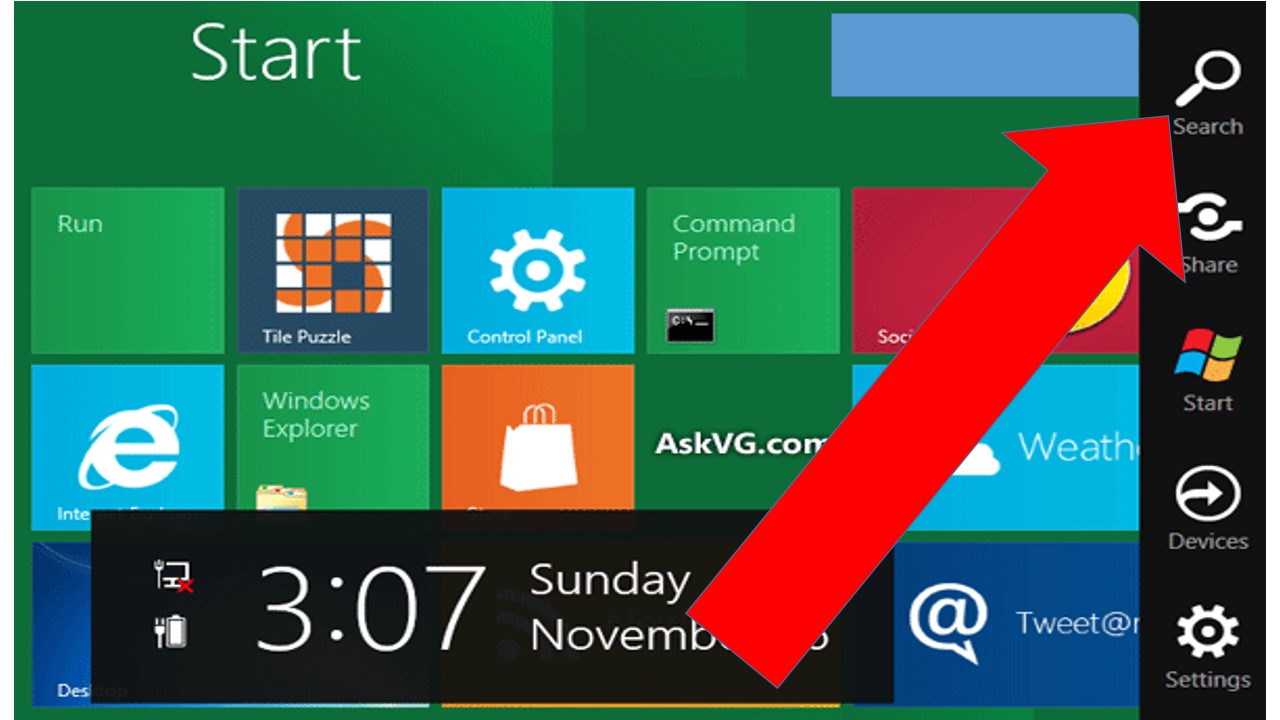
- Go to your Windows 8 Sidebar on the right and click the “Search Button.” It looks like a magnifying glass.
“She was free in her wildness. She was a wanderess, a drop of free water. She belonged to no man and to no city” ~ Roman Payne




Language Translation






 Deceptively Blonde