Archive | Interesting RSS feed for this section

Purely Iowa

31 Mar

Purely Iowa

   If you ever visit the state, you’ll find that it is uniquely different from Missouri, Illinois, or the other mid-western states.  Iowa embodies a sort of “rolling seas of grain” concept particularly in the pretty areas.  The hills stretch out as far as the eye can see, covered in farms and fields.  In the spring it all gets green and fresh; in fall, it’s golden and filled with corn and wheat stalks blocking your view (In the summer it all dies and gets kind of boringly brown 😛 ).  But in the winter. . . oh, it’s just gorgeous.  You can see forever and it all looks so open and warm.  Anyway, for a girl who has a particular fondness for Virginian mountains and North Carolina’s ocean vista, Iowa was surprisingly beautiful.  

So, since I’ll be leaving Iowa before too long, I went out looking for some photos that embodied what has become the true Iowa to me.  And I actually got some really good ones 🙂  So here is my Iowa (with a couple fun ones just thrown in)!


This slideshow requires JavaScript.

Facebook Changes

29 Mar

Your Facebook is changing again. . . 

They officially changed mine over today, I’m still deciding if I like it.   There are a couple of new significant changes.

Timeline/Profile Changes

Yours, Mine, and Ours: The Elgin Marbles and the Power of One Word

26 Mar
Parthenon

Parthenon

The Parthenon

The artistry is exquisite; the detailing impressive.  Built from 447 B.C. to 432 B.C. when such a building was truly a monument to the creativity and abilities of the Greeks, the Parthenon’s beauty has survived generations and centuries to remind the world of the power of human ingenuity.  Carefully built upon a solid foundation of limestone and painstakingly elaborated with carvings of Pentelic Marble, the Parthenon has 46 separate columns surrounding the building. Above those columns, dozens of detailed marble plaques were embedded in the roof (1).  It is these plaques that have been the center of so much debate in recent years (1).  You can actually still see in the photo below the places where these embedded marbles used to be. Continue reading

Deactivating Your Pinterest Account

25 Mar
Account Box

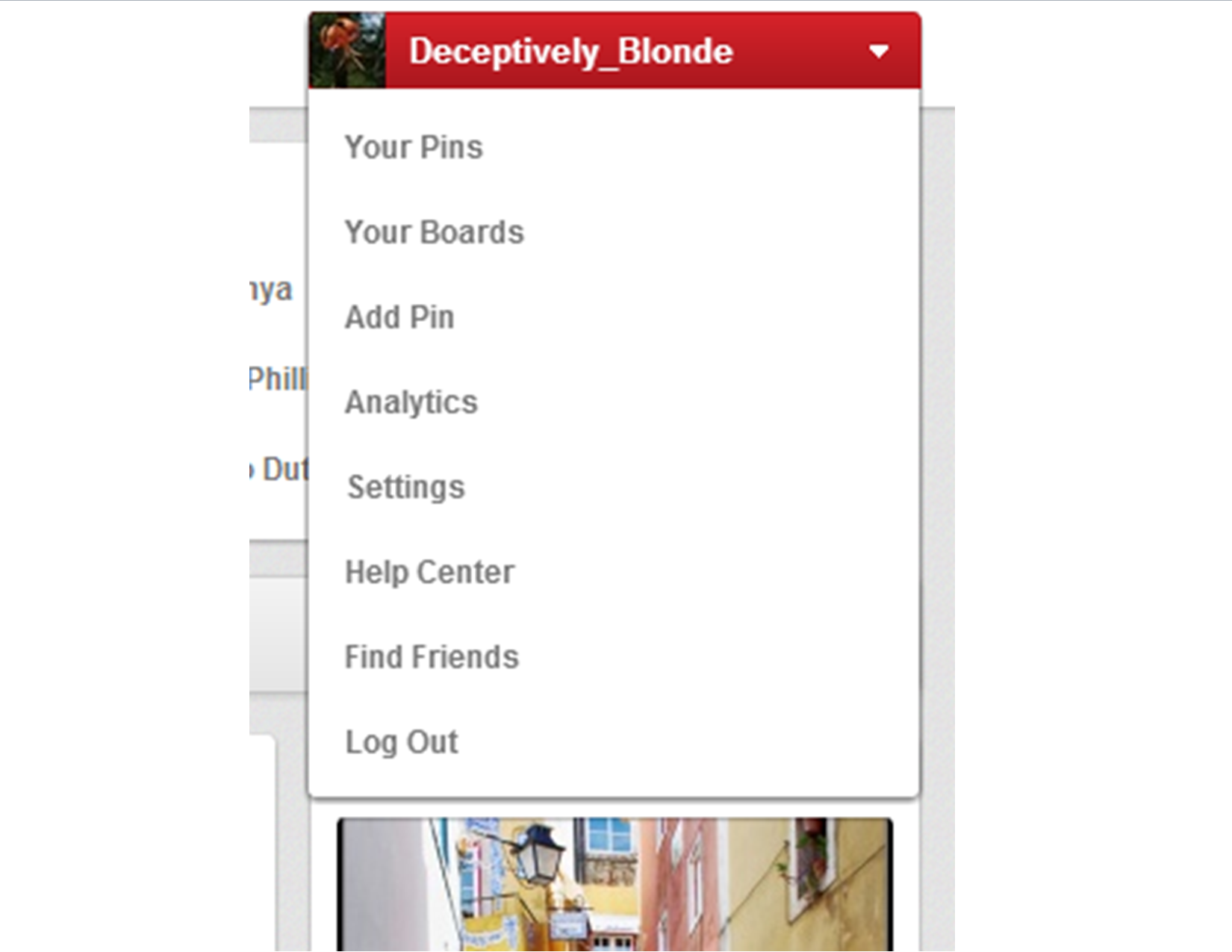
Pinterest Account Drop-down Menu Box

Under the new Pinterest format, it’s really easy to deactivate your Pinterest account.

1. Go to the Your Account’s Home Page.

2. Click the drop-down menu on the top right.

3. Click Settings.

4. At the bottom of the Settings Page, you’ll see the “Deactivate My Account” button.

5. Walk through that process, and you’re done! 🙂

Changes to the Pins on the New Pinterest

24 Mar

You can find Changes to the Pinterest Account Tools Here.

This post will run through a few of the new changes established to the Pins themselves.  I actually think this part is a lot more convenient than Pinterest’s old pin format.  The new ones allow you to go straight to the website, see other pins from that site, etc.

The Pin Itself

Pin

A picture of how the Pins now look

The pin itself doesn’t actually look all that different.  It still has the image, and if you click the image it will take you to the linked URL.  Nonetheless, there are a couple changes to note.

1. The greatest change to the pin itself is that you can no longer open it up and edit your own pins here.  The edit button no longer appears unless you are on the Boards or Pins main page on your account. Continue reading

Changes in the New Pinterest: The Basics

24 Mar

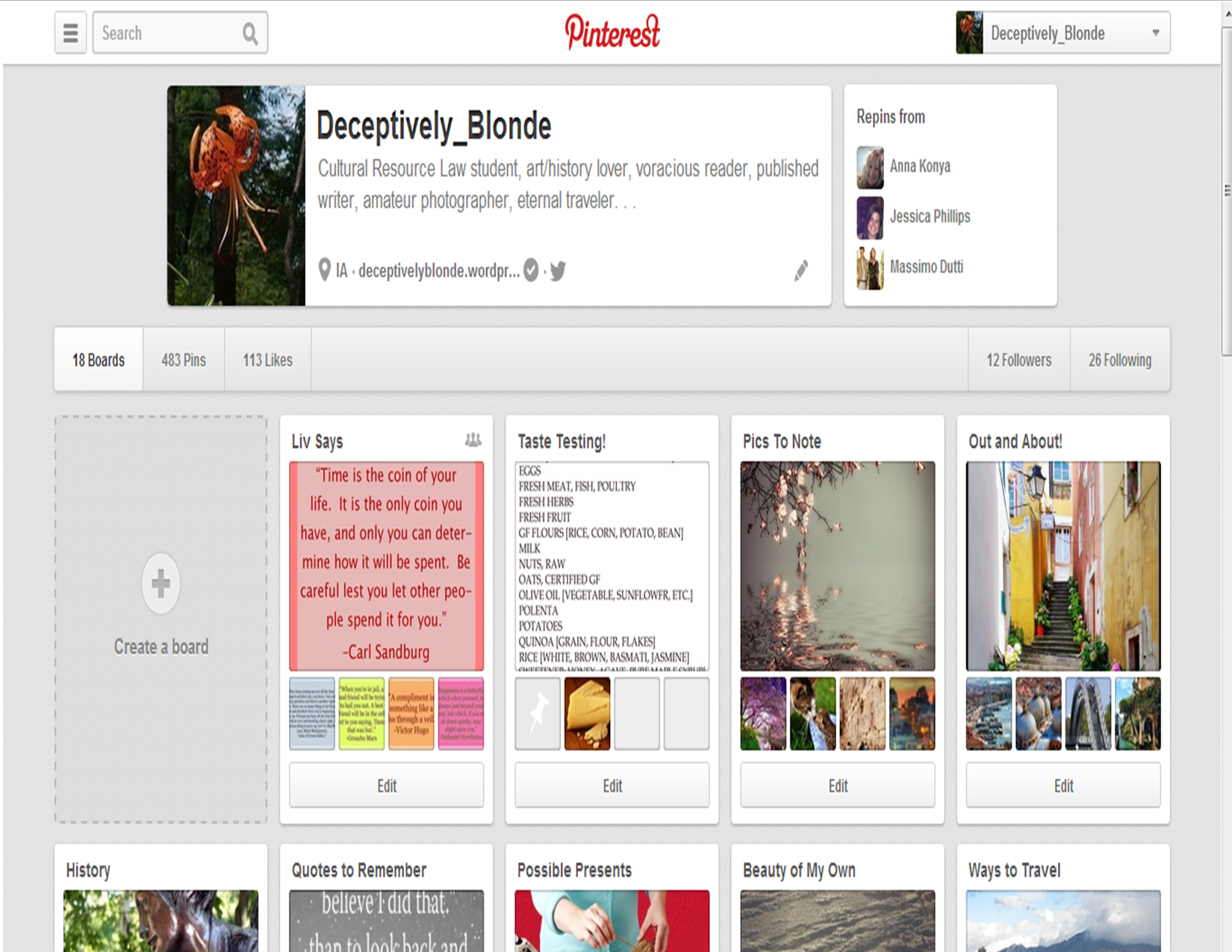
Pinterest is currently changing over to a new interface, and, while there aren’t any too serious changes, some things are slightly different.  I’ve been playing around with the new format and thought I’d run over some of the changes here.  So here are a few notations on the changes to your account home page and directions on adding or altering boards and pins.

The New Account Home Page

Pinterest

Pinterest Account Home Page = new format

If you look carefully, you will note that all the buttons on the top menu are now combined into one new drop-down menu in the upper right-hand corner. Continue reading

How to Find JYJ’s new Official Line (A step-by-step guide)

8 Mar

UPDATE: 2016, I created a new “How to Find JYJ’s Official Line” post to account for changes to the Line Software. You can find the new directions here.

UPDATE: 2014 JYJ has changed their profile image to this:

~~~~~~~~~~~~~~~~~~~~

JYJ

JYJ-Jaejoong, Yoochun, Junsu

Several other fans of the KPOP band JYJ have been asking me how I found their Official Line link, since most of the sites tell you it’s up but not how to locate it.  So I figured I would share the process.  Enjoy!

P.S. Line is a kind of messenger system, like Skype only it’s not based out of the U.S.  It’s kind of a weird cross between Twitter, Tumblr, and Skype really, you’ll find pictures, chat message, phone services, and you can join in on live chats as well.

P.P.S. You can find a version of this with pictures on the Super Junior Line Post.  It is the same process, just remember you’re looking for the JYJ pic, not the SJ pic 😛

GO HERE FOR DIRECTIONS ON DOWNLOADING LINE INITIALLY (WITH PICTURES 🙂

Once you download it onto your smartphone/I-Pod/I-Phone, the app will look like this:

Line App

HOW TO FIND JYJ’s OFFICIAL LINE

JYJ

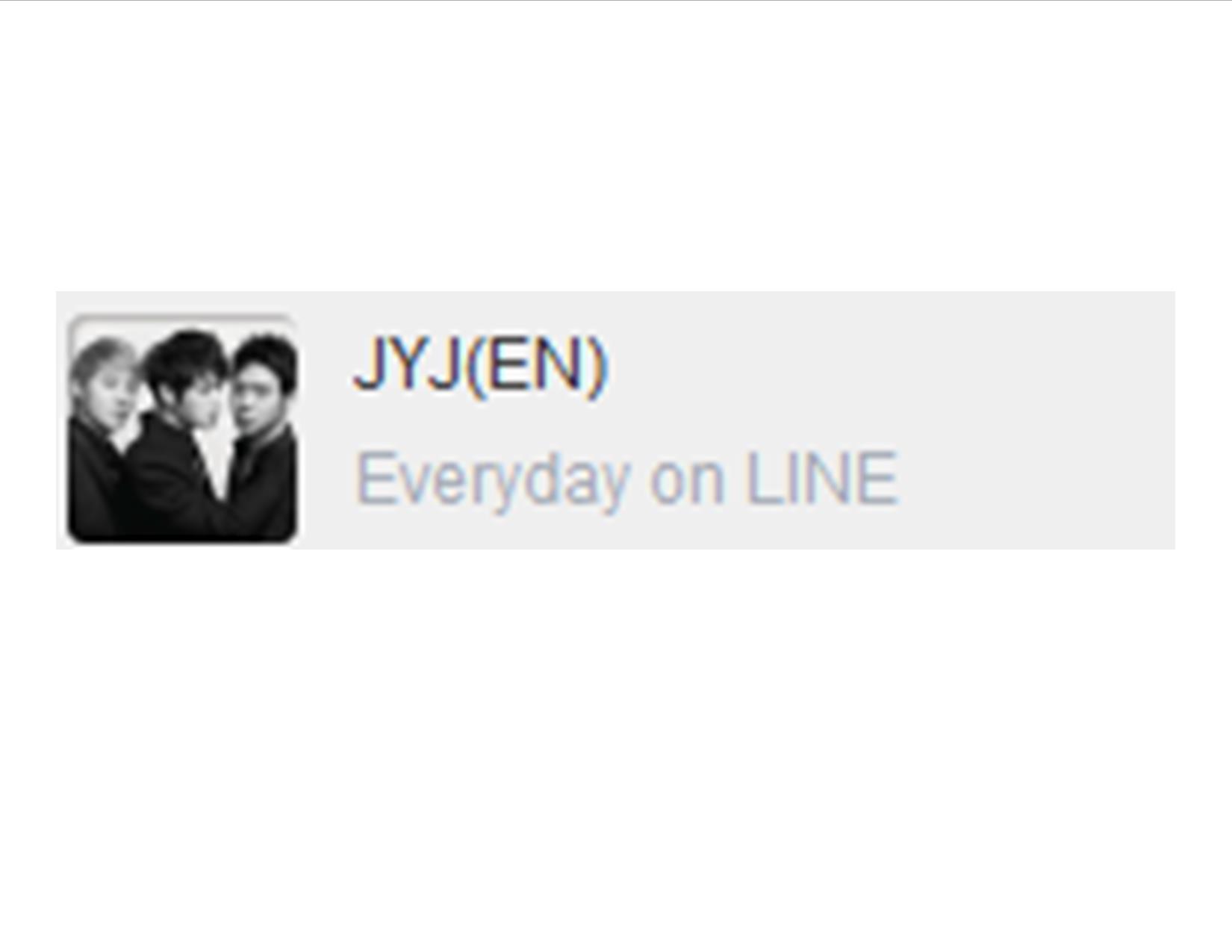
This is what their profile pic and id look like

  1. On your Mobile, sign in to the Line app.
  2. On the bottom Menu, go to “More” (with the three dots above it).
  3. Click “Official Accounts” (shield with a star in the center)
  4. Now, it is automatically set to your geographic nation.  You’re probably going to have to change this depending on which language you want the JYJ program to be in.  Their system doesn’t show up under the US Official Accounts.  So go to “+Select Another Country”
  5. For the Japanese Language version
    1. Choose “Japan.”
    2. Click “Done” in the top right.
    3. Skim through the list a ways and eventually you’ll find “JYJ(JP)”  It has their official picture as the profile pic.  Click their name.
    4. Click “Add”
  6. For the Chinese Language version
    1. Choose “China”
    2. CLick “Done” in the top right.
    3. Skim down to “JYJ(CN)”.  It has the same profile pic as the rest.
    4. Click “Add”
  7. For the Korean Language version
    1. Choose “South Korea”
    2. Click “Done” in the top right.
    3. Skim down to “JYJ”, it has their official picture as the profile pic.  Click their name.
    4. Click “Add”
  8. For the English Language version
    1. Choose “Philippines,”  “Taiwan,” “Singapore
    2. Click “Done” in the top right.
    3. Skim through until you see “JYJ(EN)”, it has their official picture as the profile pic. Click their name.
    4. Click “Add”
  9. For the Vietnamese Language version
    1. Choose “Vietnam”
    2. Click “Done” in the top right.
    3. Skim through until you see “JYJ(VN)”, it has their official picture as the profile pic. Click their name.
    4. Click “Add”
  10. For all versions, next go to the “Friends” button on the bottom menu, and you’ll see JYJ is now your friend.  Click their name.
  11. Now click “Chat”, and tada!  You can see all the stuff they post.  It takes about a day for anything to upload past their welcome message.  They’ll show up as your friends on the computer version as well once it is installed, and the same process applies: go to friends, click their name, and click chat.  

Hope this helps answer some questions!

Link

He Signed the First Atomic Bomb

8 Mar

He Sign the First Atomic Bomb

Hats off to some of the most brilliant and determined people of a generation.  Whether or not you agree with the dropping of the bomb, you have to admit that it took guts and changed our future forever.  I can’t imaging having the courage to even get close to the thing, much less put my name on it!  Personally, I’d have been in the country over (or perhaps Brazil. . . somewhere very far away!

Video

Adding Products to your Amazon Store

13 Feb

I’ve recently started a new literary blog for several authors to join, and I’ve been trying to figure out how to best explain adding products to Amazon aStores. I finally ended up just making a video explanation, and I thought I would share it here! Hope this helps someone else out!

Also check out Shelfari.com –A better bookshelf for literary bloggers to use!

By the way, my new website it “A Question of Reading” and is available here.  Check it out if you’re interested in reviews, articles, literary criticism, and more!

China, Hong Kong, and the transfer of Artifacts

12 Feb
Chinatown in Inchon Korea

Panda Mural in Chinatown

Whew!  These past two weeks have been amazingly busy, sorry for not posting anything earlier!

I’ve recently been trying to get all of my law school classes in order, but I think I’m going to give up on that effort.  It’s impossible to figure out how to juggle all of the classes, clubs, volunteer hours, and Research Assistant work.  Right now, I have been manning a taco table for the Latino Law Students Association, while looking up various research for the Iowa Volunteer Lawyers for the Arts project, at the same time that I look into topics for a research paper in the Cultural Heritage class.  0_0

Anyway, I managed to stumble across an idea I think I’ll use for the Cultural Heritage class, and I’m interested to see if anyone has some input on it. Continue reading